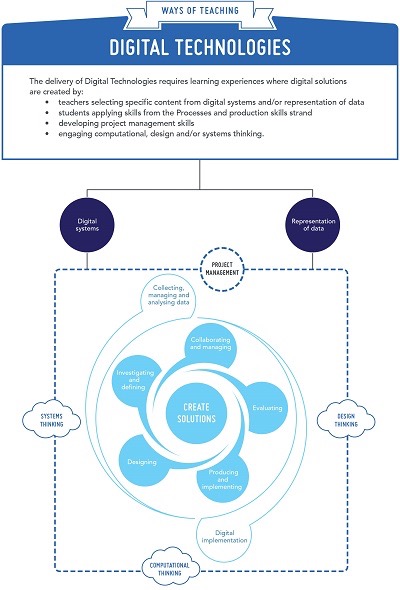
The Digital Technologies Curriculum will allow students to use computational thinking and information systems to define, design and implement solutions.
Through the practical application of technologies including digital technologies, students develop dexterity and coordination through experiential activities. Technologies motivates young people and engages them in a range of learning experiences that are transferable to family and home, constructive leisure activities, community contribution and the world of work.
Technologies provides students with authentic learning challenges that foster curiosity, confidence, persistence, innovation, creativity, respect and cooperation. These attributes are necessary when using and developing solutions to make sense of complex ideas and relationships in all areas of learning. Technologies helps students to be regional and global citizens, capable of actively and ethically communicating and collaborating.
Course Work
Code.org Year 1 to Year 6
In order for students to sign in and keep track of their progress on Code.org, please log in using the links.
Passwords are received in the Digital Technologies class (either a picture or word).
Once logged in students may search the site for other fun and interesting coding games with progress automatically saved to their accounts.
Certificates are given out at the completion of courses and can be printed at school or at home.
These sites are best viewed using the latest browsers including Google Chrome and Microsoft Edge. The courses are both desktop and tablet compatible.
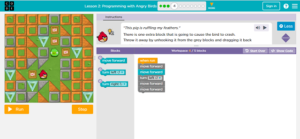
Computational Thinking Year 3 to Year 6
Bebras Australia Computational Thinking Challenge for LPS Students in Years 3, 4, 5 & 6
Students can practice previous questions.
Round 1 is in Term 1 and Round 2 is held in Term 3 annually.
Touch Typing Year 1 to Year 6
The focus for students is on correct finger placement using the home row ASDF JKL; and not on speed. Speed will automatically increase as students become more familiar with the letter placements. This comes with practice, practice and more practice.

ABCYA Mouse Skills Year 1
Once Abcya website is accessed students can select from various educational activities by year level. Activities are free when accessed on a PC and a cost is involved when using the app on a tablet. Allow Adobe Flash Player to run (not compatible with most tablet devices.)

DiT Links Year 2 & Year 3
The Abcya website allows students to select from various educational activities by year level. Activities are free when accessed on a PC and a cost is involved when using the app on a tablet. Allow Adobe Flash Player to run (not compatible with most tablet devices.)
Draw and Create
A selection of drawing tools. Paint 3D is available on Windows computers. Quick, Draw! and Auto Draw explore AI and machine learning.
Additional Coding
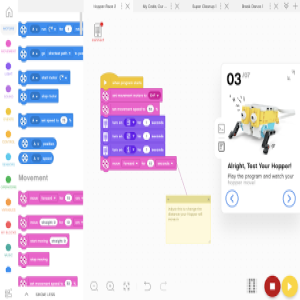
Year 3 to Year 6 coding applications.


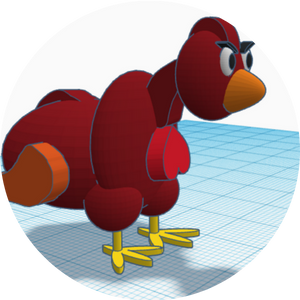
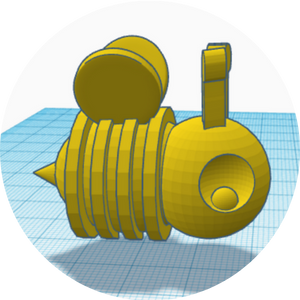
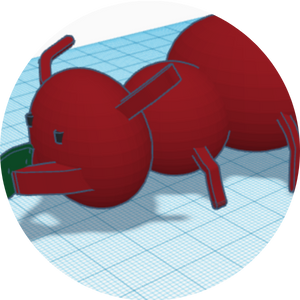
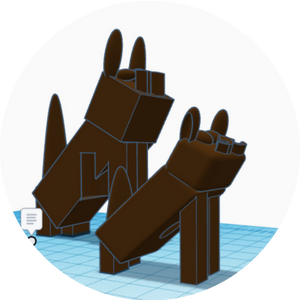
Tinkercad 3D Designing Year 4 to Year 6
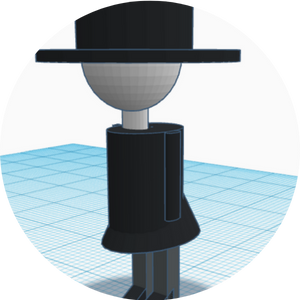
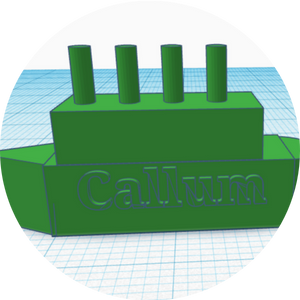
Tinkercad is a simple, online 3D design and 3D printing app.
Students in Years 4, 5 & 6 will have teacher managed accounts with Tinkercard, allowing them to design 3D printing models.




Cyber Safety
A selection of cyber safety and digital citizenship courses we choose from.
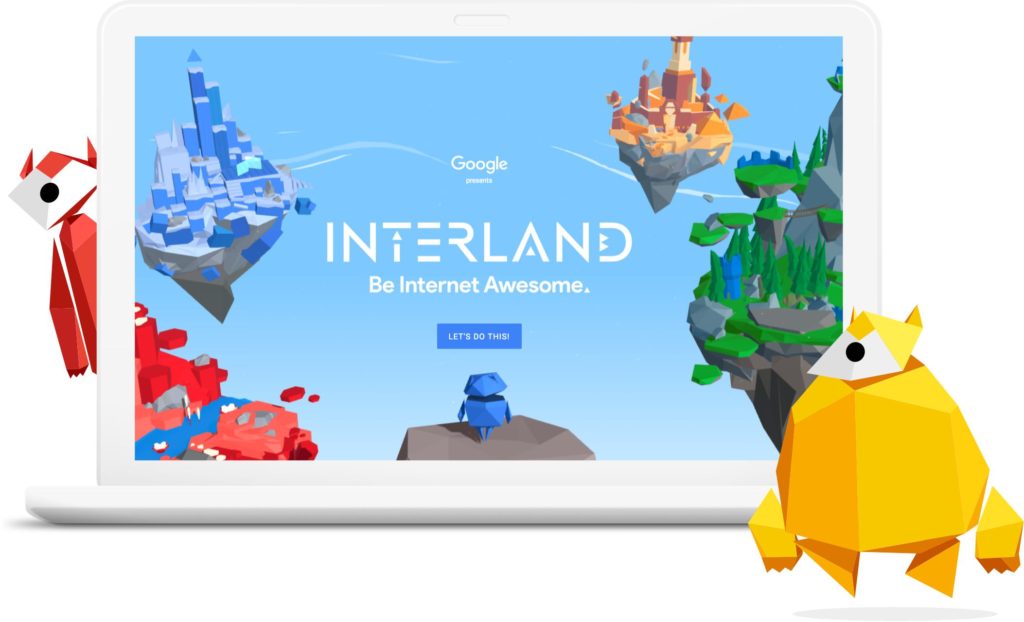
Interland: Be Internet Awesome – Yr 3 & Yr 4
CyberSmart Challenge – Yr 3 – Yr 5

CyberSmart Challenge – Yr 3 – Yr 5

Hector’s World videos – Yr 1
Digital Passport – Yr 4
Mighty Heros

Password Checker

Kids Help Line
eSmart Digital Licence – Yr 6+
Posters
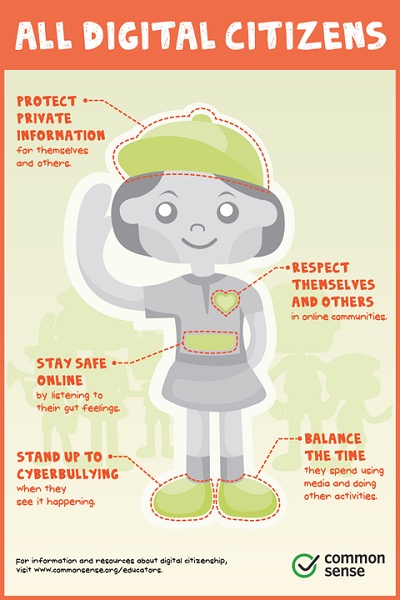
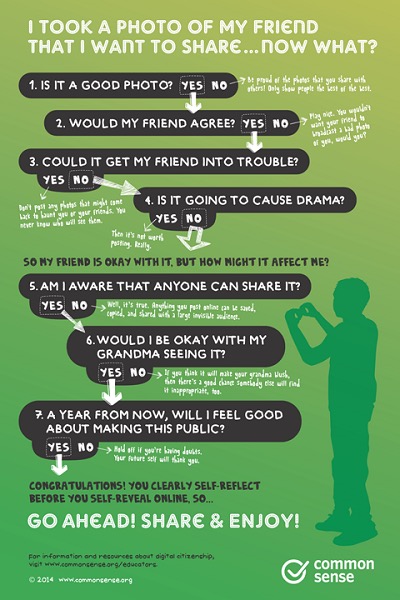
eSafety Links for Parents, Educators and Students
Creativity

Online design and publishing.
Thinking & Problem Solving
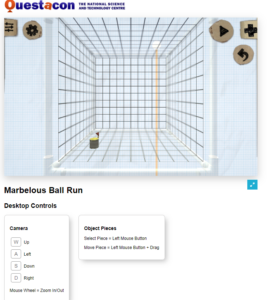
Create your own 3D marble run.
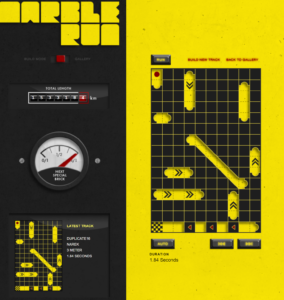
2D marble run. Create and post to gallery.
Map Maker by National Geographic.

Find all the elements.
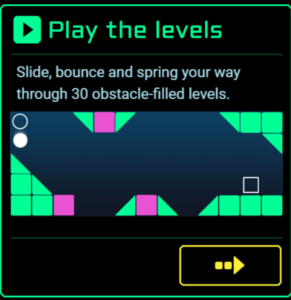
Physics 30 challenges & create your own!
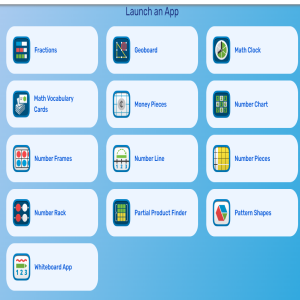
MLC Manipulatives

Educational games and puzzles.
Create line run.
Travel through time